
Online court booking for your tennis club: how to get started
For many tennis clubs, booking a court still means a pin board at the clubhouse, a group chat or a shared spreadsheet. It works, until the club grows: double bookings, members who cannot see what is free from home and a committee that spends its evenings sorting it all out. Online court booking solves that, as long as you set it up with your members in mind.
Start with what members need
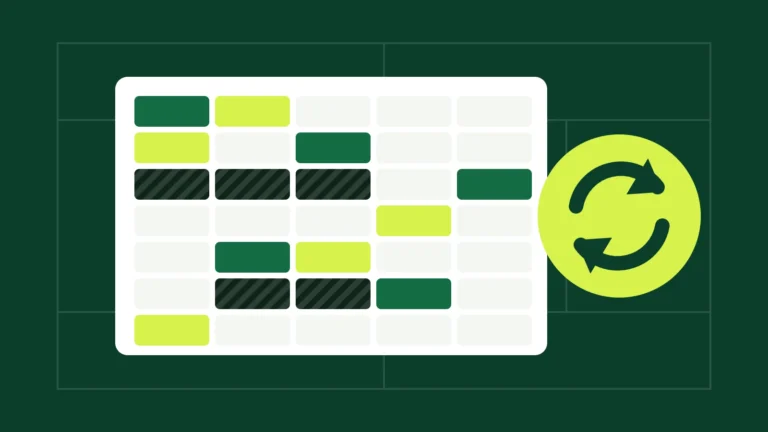
Members want three things: see at a glance which courts are free, book in a few taps, and change or cancel their booking without calling anyone. A clear board with all courts side by side, free slots in one colour and their own bookings in another, does more than any manual.
- One overview of all courts and times, on a phone as well as a computer.
- Booking with playing partners, so everyone on the court knows they are playing.
- A confirmation by email, preferably with a calendar file, so the match ends up in their agenda.
- Moving or cancelling without help from the club desk.
Put the booking board on your own website
Your club website is where members already look for news and the competition schedule. If the booking board lives there too, there is no separate app to download and no extra login to remember. Members log in with the account they already have on the club website.
Set the rules once
Decide in advance how the club wants to share its courts: opening hours, how many days ahead members may book and how many bookings one member may have at the same time. Write the rules down once in the system, so the board enforces them instead of the committee.
Introduce it step by step
- Test the board with the committee and a few active members first.
- Announce the switch with a short explanation and a screenshot in the newsletter.
- Keep the old pin board for two weeks next to the new board, then remove it.
- Ask for feedback after a month and adjust the rules if needed.
Most clubs are surprised by how quickly members get used to it. Once members have booked a court from the sofa, nobody wants to go back to the pin board.
How BoardIt helps
BoardIt puts a booking board with all your courts on your club website. Members book, move and cancel themselves, and every player receives an email with a calendar file. Try it on our demo club.
BoardIt is a WordPress plugin: you need your own WordPress website to use it. The free version has no limit on courts, members or bookings.